

Mobile Mechanic Marketing: 7 Service-Area Mistakes That Cost Calls
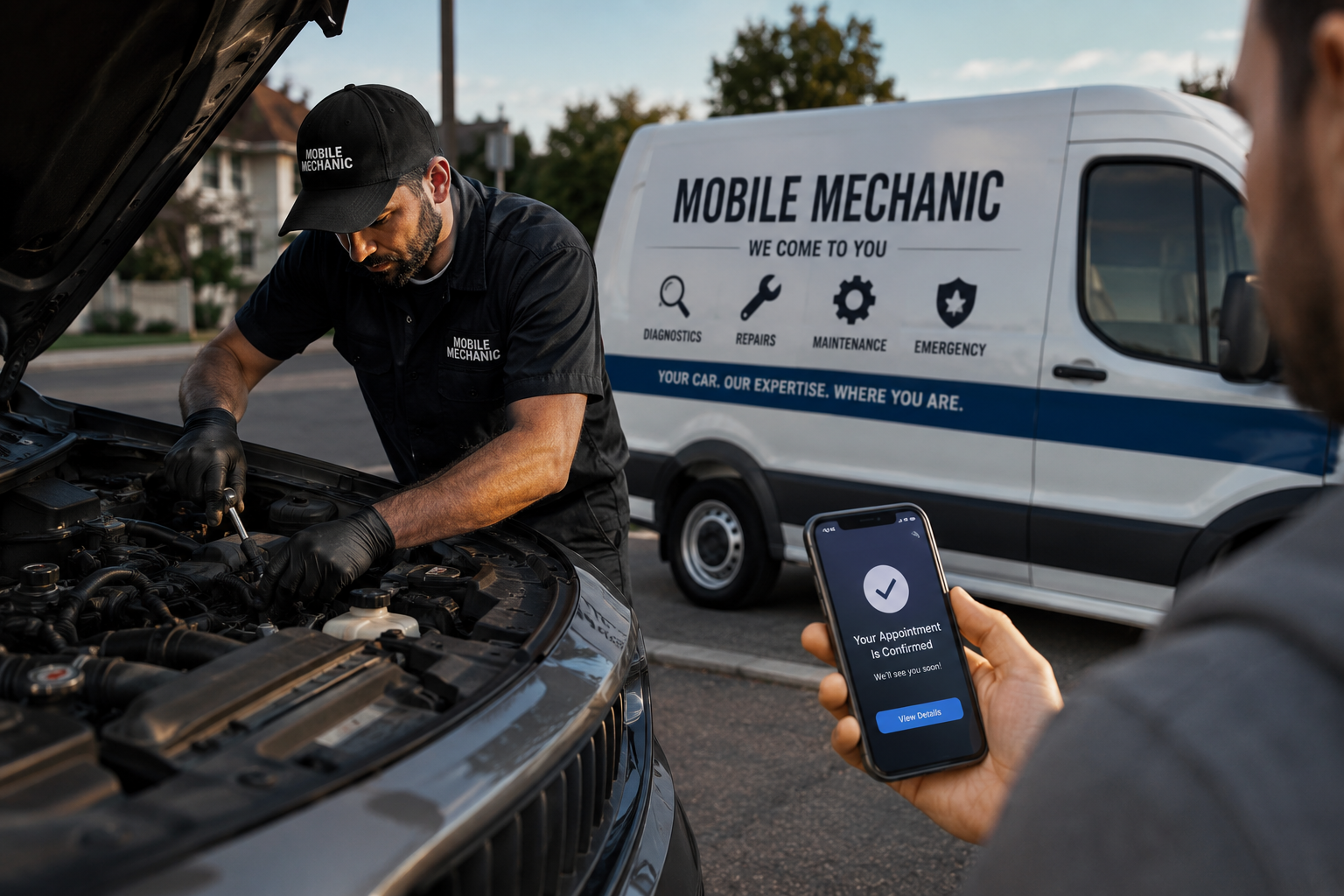
Mobile Mechanic Marketing has a different job from shop marketing. A storefront shop can lean on a building, signs, bays, a waiting room, and a known local address. A mobile mechanic has to earn trust before the customer ever sees the van.
That means the marketing has to answer five questions fast: do you come to my area, can you fix this problem where the vehicle sits, how do I reach you, what proof shows you are legitimate, and what happens after I call?
Most mobile mechanics lose leads through practical gaps, not one giant strategy failure. Fix the service area, phone path, job-fit filtering, reviews, photos, and follow-up, and the business becomes easier to find and easier to trust.
Contents:
- Mistake 1: Advertising a Service Area You Cannot Profitably Cover
- Mistake 2: Mixing Emergency Calls With Scheduled Work
- Mistake 3: Letting the Wrong Calls Reach the Phone
- Mistake 4: Running Google Business Profile Like a Storefront
- Mistake 5: Using Generic Photos and Weak Proof
- Mistake 6: Treating Reviews Like Star Count Only
- Mistake 7: Forgetting Follow-Up and Lead Tracking
- Service-Area Marketing Checklist
- 30-Day Fix Plan
- FAQ
- Conclusion
Mistake 1: Advertising a Service Area You Cannot Profitably Cover
A mobile mechanic serves routes, not just cities. A 30-mile callout can look like a lead and still lose money if drive time, diagnosis time, parts access, and return trips eat the day. Before spending on SEO or ads, define the area where the business can respond well and still protect margin.
Google lets service-area businesses set service areas by cities, postal codes, or other areas they serve, and service-area businesses can list up to 20 service areas in Google Business Profile. Use that flexibility carefully. A tight service area usually beats a huge map that creates slow response, bad reviews, and unprofitable jobs.
| Service-area choice | Good fit | Risk to avoid |
| Core radius | Cities or ZIPs where same-day response is realistic | Claiming a whole metro when traffic makes service unreliable |
| Urgent jobs | No-start, battery, diagnostics, lockout-adjacent help, brake safety checks | Sending urgent callers to a booking form with no phone path |
| Scheduled jobs | Maintenance, inspections, fleet visits, brake work, light repairs | Promising work that needs a lift or shop equipment |
| Fleet work | Recurring sites with clear parking and access | Accepting one-off jobs that break the daily route |
Use Google Ads location settings, website service-area pages, and profile service areas to match the same reality. If the website says one thing, the profile says another, and the ads cover a third area, the phone will bring the wrong work.
Mistake 2: Mixing Emergency Calls With Scheduled Work
A stranded driver with a no-start issue behaves differently from a customer booking brake pads next Thursday. One needs a fast phone answer and basic triage. The other can use a form, photos, and appointment windows. Treating both the same creates missed calls, bad expectations, and wasted technician time.
| Lead type | Customer needs | Best response path |
| No-start / battery | Fast answer, location, vehicle, safety notes | Call-first CTA and simple dispatch questions |
| Diagnostics | What symptoms are happening and whether mobile diagnosis makes sense | Short form or call script with warning lights, sounds, and access details |
| Brake service | Mobile feasibility, parts fit, timing | Booking form with year/make/model and location |
| Pre-purchase inspection | Clear scope, appointment time, seller/location details | Scheduled form and confirmation text |
| Fleet visit | Vehicle count, site access, recurring need | Fleet inquiry path, not a consumer emergency CTA |
Mistake 3: Letting the Wrong Calls Reach the Phone
Mobile mechanics often get calls for jobs they cannot or should not take: body work, transmission rebuilds, heavy repairs, lift-only work, towing-required problems, or locations outside the route. The goal is not fewer calls. The goal is fewer bad calls and more bookable jobs.
Use the website and ad copy to filter before the phone rings. Name the services you want, explain what cannot be done mobile, and make the first phone questions consistent.
| Call filter | Ask or show | Why it matters |
| Location | Where is the vehicle now? | Confirms service-area fit before dispatch |
| Vehicle | Year, make, model, and drivability | Helps avoid parts and access surprises |
| Symptom | What happened and when? | Separates urgent diagnosis from scheduled repair |
| Access | Driveway, street, parking garage, fleet yard, roadside | Protects technician time and safety |
| Job fit | What mobile services are available | Stops lift-only or wrong-trade calls early |
Mistake 4: Running Google Business Profile Like a Storefront
A mobile mechanic profile should not look like a traditional repair shop profile with a vague address and a generic repair list. Google says a service business profile can include details such as business name, website, phone number, hours, reviews, and services offered. If customers are not served at the business address, Google also explains that businesses can choose not to show the address and list a service area instead.
Set the profile around service-area reality: accurate business name, service categories, real service areas, clear hours, a phone number that gets answered, a booking link if scheduled jobs matter, and services written in customer language.
- Use real service-area terms, not a state-wide promise.
- List mobile-friendly services separately: diagnostics, battery, brakes, inspections, maintenance, fleet visits, and other realistic jobs.
- Keep hours and response expectations current, especially for urgent calls.
- Use Google Posts for useful updates such as seasonal battery issues, inspection availability, route changes, fleet visit openings, or holiday hours.
- Connect the profile to a website page that explains the service area and mobile job limits.
For mechanics who need local visibility built around a service area instead of a storefront, Element DMA’s local SEO for auto repair shops page explains the Google Maps and local search work in more detail.
Mistake 5: Using Generic Photos and Weak Proof
Photos do more trust-building for a mobile mechanic because the customer is inviting someone to a driveway, workplace, parking lot, or fleet yard. Google recommends clear, realistic Business Profile photos that show the business and services. For mobile work, that means proof of the van, tools, technician, job settings, and service quality.
| Proof type | What to show | What it answers |
| Vehicle | Clean, stocked service van or truck | Is this a real mobile operation? |
| Technician | Uniform, ID, tools, diagnostic setup | Who is coming to the vehicle? |
| Job setting | Driveway, parking lot, fleet yard, roadside-safe context | Do you really work where customers are? |
| Service proof | Battery, brakes, diagnostics, inspections, light repairs | Can you fix my type of problem? |
| Customer handoff | Final check, invoice, follow-up instruction | What happens after the work is done? |
Do not use stock repair photos, competitor photos, visible plates, VINs, customer addresses, or unsafe roadside scenes. The photo should make the service feel legitimate, not staged.
Mistake 6: Treating Reviews Like Star Count Only
A five-star review helps, but a review that explains the mobile situation helps more. Google encourages businesses to ask customers for reviews and to reply to customer reviews. For a mobile mechanic, the most useful reviews mention location context, response, communication, service type, and outcome.
| Review detail | Why it helps | Example theme |
| Service type | Matches search intent | Battery replacement, mobile brake service, no-start diagnostic |
| Location context | Proves the mobile promise | Home driveway, office parking lot, fleet yard |
| Response | Builds confidence for urgent calls | Answered quickly, arrived in the quoted window |
| Clarity | Reduces anxiety | Explained the issue and next step |
| Outcome | Shows customer value | Vehicle started, inspection completed, brakes fixed |
The review request should be simple and honest. Ask after a successful job, send a direct link, and reply like a real operator. Do not script keyword-stuffed reviews or offer incentives.
Mistake 7: Forgetting Follow-Up and Lead Tracking
Some customers are not ready to book on the first visit. Others call, ask a question, and disappear. Retargeting and follow-up can help, but only after the basics are clear: service area, job fit, phone answer, quote process, and tracking.
Track more than traffic. A mobile mechanic needs to know which channel produced a real job, which service was requested, whether the job was in range, and whether the customer booked. Without that, marketing can look busy while the route stays unprofitable.
| Metric | What to record | Decision it supports |
| Call source | GBP, organic, ads, referral, repeat customer | Where good calls come from |
| Job type | Battery, diagnostics, brakes, inspection, fleet, not-a-fit | Which services deserve more promotion |
| Location | City/ZIP or route zone | Whether the service area is too wide |
| Outcome | Booked, quoted, no answer, out of scope, out of area | Where leads are leaking |
| Follow-up | Text, call-back, review request, maintenance reminder | How to recover non-bookers and repeat work |
If calls are coming in but the route is still thin, review the lead path before buying more traffic. Element DMA’s mobile roadside services guide is a useful next read for service-area businesses that need stronger calls, route clarity, and local proof.
Service-Area Marketing Checklist
| Area | Fix | Good sign |
| Service area | Use real cities, ZIPs, radius, and route limits | Fewer out-of-area calls |
| Phone path | Make the call button visible and trackable | More qualified live conversations |
| Job-fit filter | Explain services and mobile limits before the call | Less time spent on wrong work |
| GBP | Set service area, services, hours, photos, posts, and reviews | Profile answers who, where, what, and when |
| Website | Build pages for service area, urgent jobs, scheduled jobs, and fleet work | Visitors know what to do next |
| Proof | Show real mobile work, technician identity, and customer outcomes | Customers feel safer booking without a storefront |
| Tracking | Record source, job type, location, and booked outcome | Marketing decisions follow revenue, not vanity metrics |
30-Day Fix Plan
- Week 1: tighten the service area, profile services, hours, phone path, and not-a-fit service list.
- Week 2: update the website with service-area language, urgent versus scheduled paths, job-fit details, and a clear call button.
- Week 3: add real mobile work photos, review request timing, Google Posts, and examples of jobs that can be done on-site.
- Week 4: review calls, forms, booked jobs, out-of-area requests, wrong-service calls, and follow-up gaps. Cut the channels creating bad work and improve the channels creating booked jobs.
FAQ
What is marketing for a mobile mechanic?
It helps an on-site auto repair business get found, trusted, and contacted by nearby customers. It usually includes service-area SEO, Google Business Profile, mobile-friendly pages, reviews, real job photos, call tracking, and follow-up.
What should a new mobile mechanic fix first?
Start with the service area, phone path, and job-fit filter. If customers cannot tell where you go, what you fix, and how to call, ads and social posts will bring messy demand.
Does a mobile mechanic need a website?
Yes. A website gives customers a place to confirm services, service areas, limits, reviews, photos, and booking options. It also supports local SEO beyond what a Google Business Profile can show.
Should mobile mechanics run Google Ads?
Ads can help when the service area, landing page, call path, and tracking are clear. Running ads before those basics are fixed often creates expensive calls from the wrong locations or wrong job types.
What should mobile mechanic reviews mention?
Useful reviews mention the service performed, the location context, response time, communication, and result. That gives future customers proof that the mechanic can handle the kind of mobile job they need.
Conclusion
Mobile mechanic marketing works when the customer can understand the service-area promise quickly: where you go, what you fix, how fast you respond, what proof shows you are legitimate, and how to request help.
Fix the seven mistakes first. Tighten the service area, separate urgent and scheduled work, filter bad calls, build the Google profile around mobile reality, show real proof, earn specific reviews, and track booked jobs. Once that foundation is clear, every SEO, ad, social, or referral effort has a better chance of producing the kind of work the route can actually handle.